Most people are introduced to Smartsheet without real onboarding.
They’re expected to figure it out while still doing their job.
So they click around.
They watch videos.
They try to piece it together.
And it still doesn't make sense.
This session is designed to change that.
Here's what you'll learn
What you get
- A clear understanding of how Smartsheet is structured
- Confidence navigating sheets, reports, and dashboards
- A better way to approach your work inside the platform
- Clarity on how to use what’s already available to you
Who It's For
- You're new to Smartsheet (or recently started using it
- You were given access, but not real guidance or training
- You want to feel confident using it in your day-to-day work
- You’ve tried to figure it out on your own, but it hasn’t quite clicked yet
This session is not
- A build-your-own solution class
- Advanced formulas or automation training
- Company specific setup or troubleshooting
- Tech heavy
Frequently Asked Questions
- IS THIS TECHNICAL?
No. This session is focused on helping you understand how to use Smartsheet in your day-to-day work without technical overwhelm. - WILL THERE BE A REPLAY?
Yes. You'll have access to the replay for 72 hours after the session for those unable to attend the live. - DO I NEED A PAID LICENSE OR SPECIFIC ACCESS LEVEL?
No. This session is designed to help you understand how Smartsheet works and how to use it more effectively—regardless of your access level.
Whether you have view-only, comment, or edit access, you’ll learn how to navigate the platform with confidence and make better use of what’s already available to you.
Some features may require higher permissions, and I’ll point those out during the session—but nothing in this training depends on having full or admin access.
About Monique
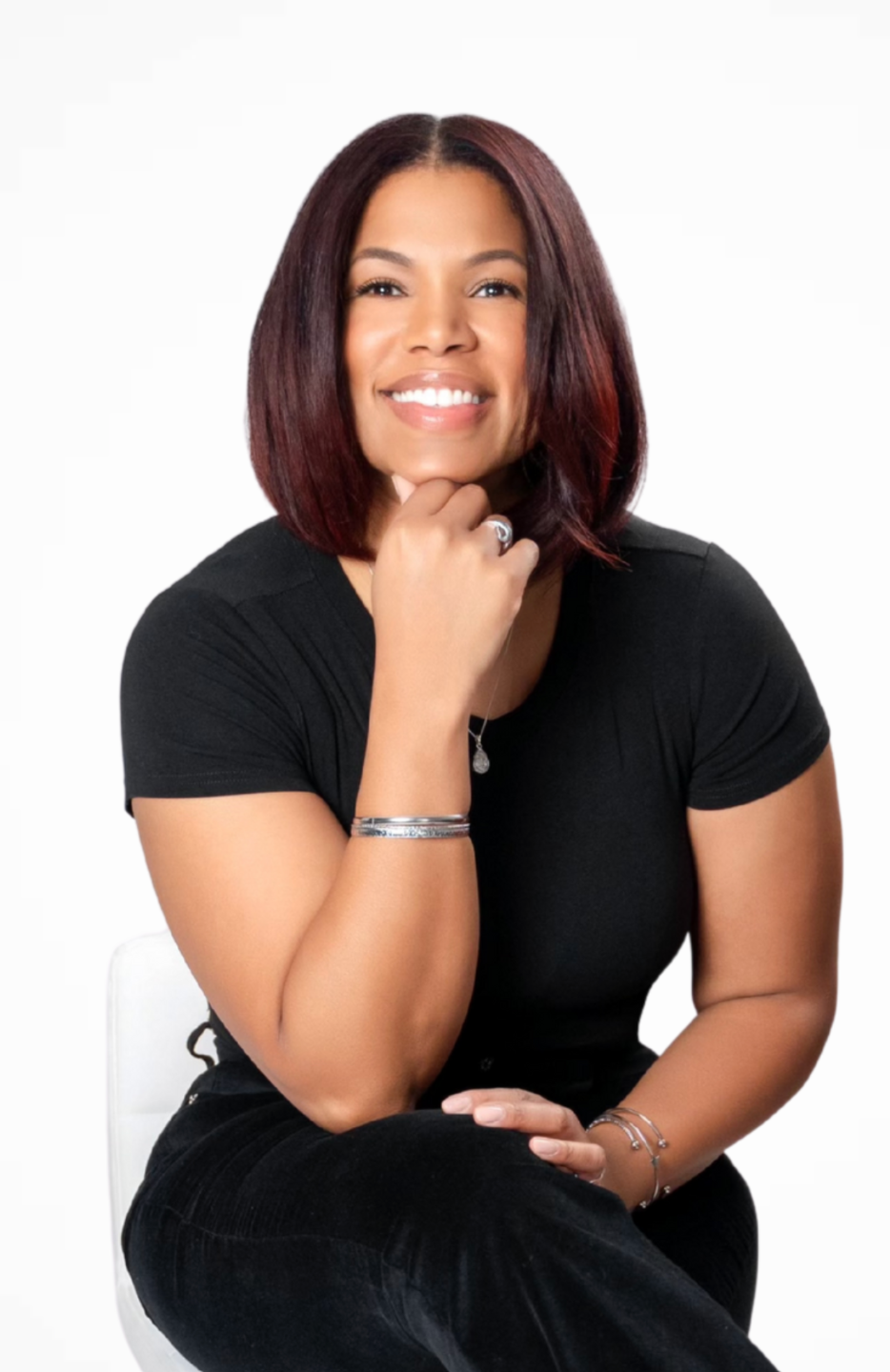
Monique Taitt is a Smartsheet consultant with over a decade of experience helping teams move from scattered workflows to clear, structured systems.
Her approach is simple: make things make sense.
She focuses on helping people feel confident using Smartsheet in their real, day-to-day work—without overwhelm.
If Smartsheet hasn't quite "clicked" yet, Monique will help you see it in a way that finally makes sense.